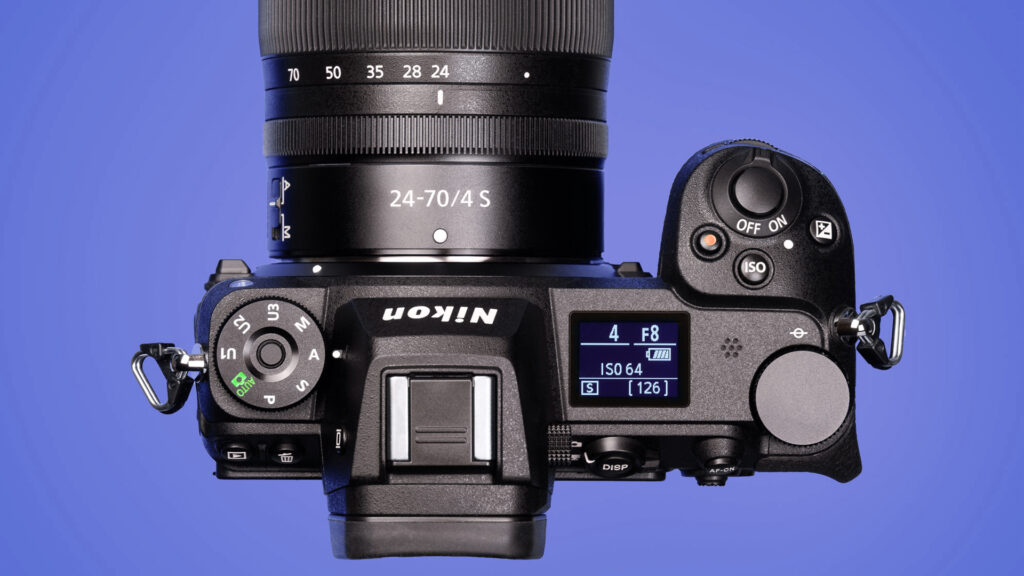
In photography, ISO controls how sensitive your camera’s sensor is to light. Along with aperture and shutter speed, ISO completes the exposure triangle. Knowing how ISO works helps you balance exposure and image quality in any lighting condition.
What Is ISO?
ISO is not an acronym. It is derived from the Greek word isos meaning equal. It’s written ISO – not I.S.O. – and pronounced like “eye-so.”
ISO is a numerical value that indicates your camera sensor’s light sensitivity.
- Low ISO (100-200): Less sensitive to light, producing clean images with minimal noise.
- High ISO (1600+): More sensitive to light, allowing brighter photos in dark conditions, but often introducing visible grain or noise.
How ISO Affects Exposure
Raising ISO makes your camera sensor amplify light signals, brightening your photo. This amplification also boosts unwanted electronic noise. Choosing ISO depends on your lighting, subject motion, and desired image quality.
Quick guide:
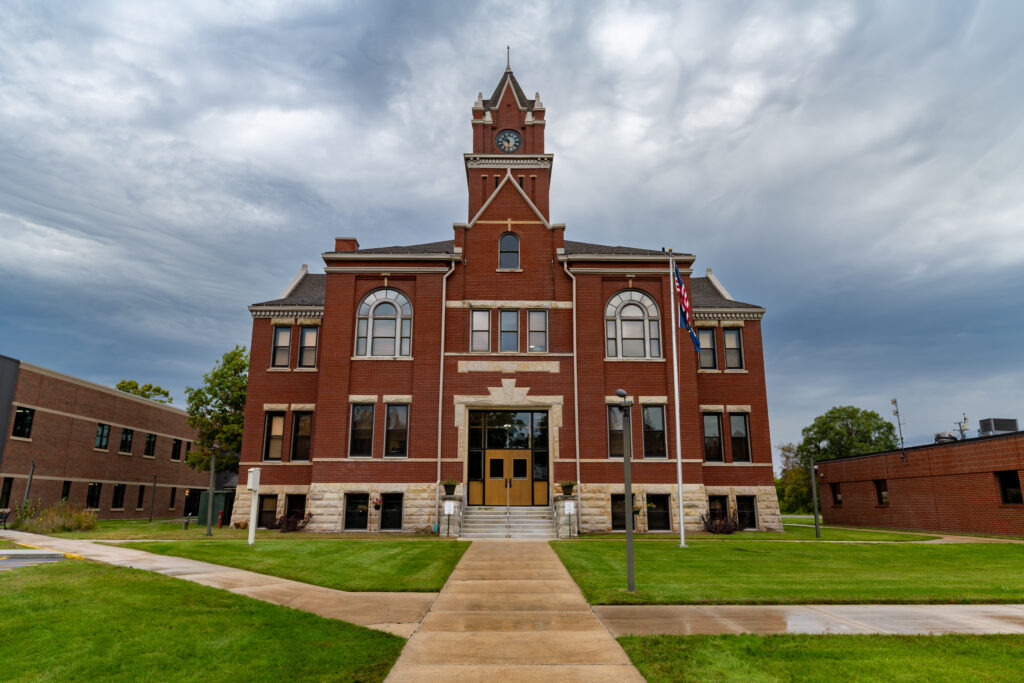
- Bright sun outdoors → ISO 100
- Indoor without flash → ISO 800-1600
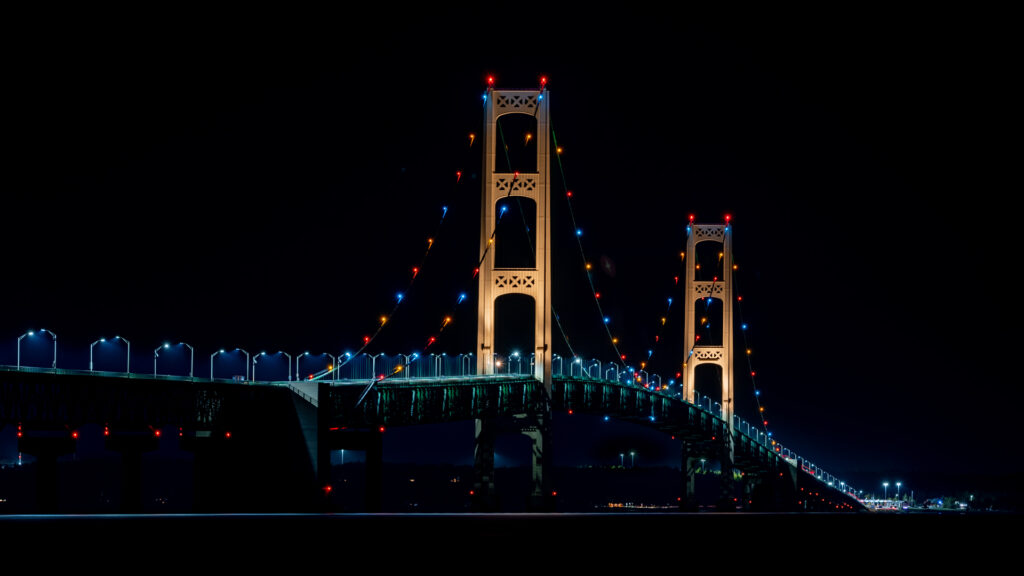
- Night scenes → ISO 3200+
The Trade-Off: Brightness vs. Noise
Higher ISO helps capture usable images in dim settings, but it can reduce clarity and color accuracy. You’ll often see speckles or smudged detail, especially in shadows. Each camera model handles noise differently.
Pro tip: Shoot a short test series at different ISO levels to find your camera’s highest ISO you’re comfortable using.
ISO and the Exposure Triangle
ISO works with aperture and shutter speed:
- Lower ISO gives cleaner files, but may require a slower shutter or wider aperture.
- Higher ISO helps freeze motion or shoot in low light when aperture and shutter options are limited.
Auto ISO: When to Use It
Auto ISO adjusts sensitivity as the light changes. It’s great when:
- Subjects move between sun and shade.
- You want to lock shutter speed to freeze action.
Set a maximum ISO limit and a minimum shutter speed to protect image quality and motion sharpness.
Best Practices
- Keep ISO as low as practical for the scene.
- Raise ISO when you need faster shutter speeds or can’t use a tripod.
- Check noise at 100 percent view.
- Use noise reduction in post if needed, and expose to avoid pushing shadows too hard in editing.
ISO is your flexibility lever in changing light. The more you practice balancing ISO with aperture and shutter speed, the more control you’ll have over both exposure and image quality.