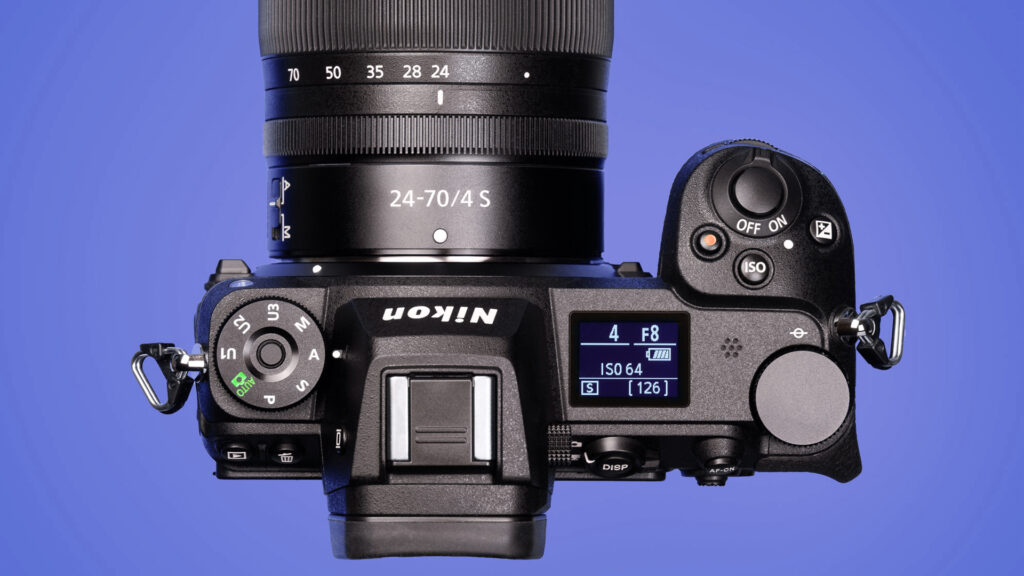
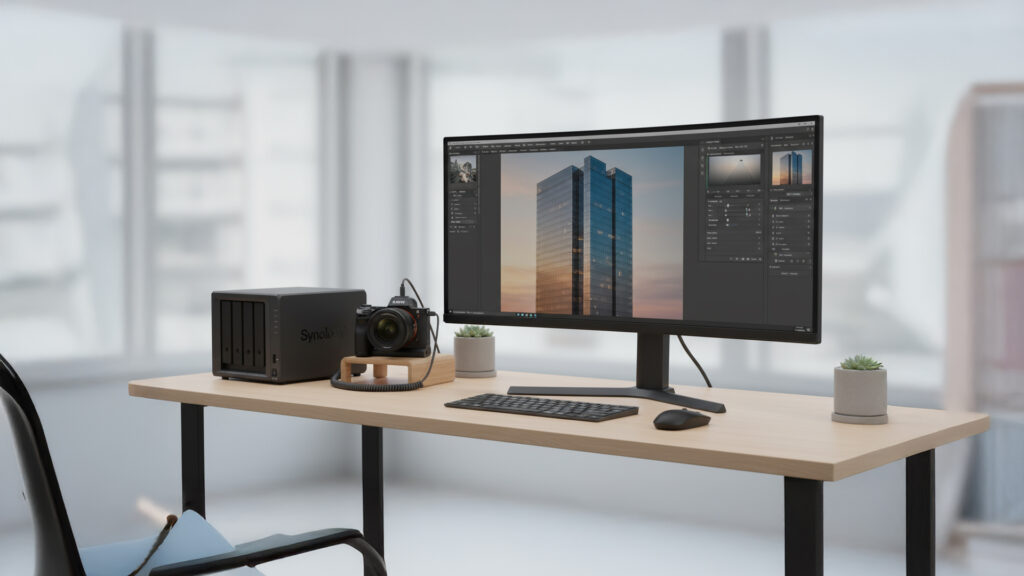
Every photographer and videographer eventually faces the same challenge—how to safely store massive amounts of files without losing access or quality. Whether you shoot RAW photos or 4K videos, your storage system can make or break your workflow. In this guide, we’ll explore the best photo and video storage solutions, including NAS drives, external SSDs, and cloud options, to help you keep your creative files safe, organized, and ready when you need them.
Understanding Photo and Video Storage Needs
Before choosing storage, it’s essential to understand your needs. Photography and videography files are large and grow quickly. A single 45-megapixel RAW photo can exceed 50 MB, while a few minutes of 4K video might reach several gigabytes. Multiply that by years of shoots, and you’ll see why proper planning is critical.
Local vs. Network Storage
- Local storage includes internal or external drives directly connected to your computer via USB-C, Thunderbolt, or similar. It’s fast and easy but limited to one machine.
- Network storage (NAS) connects to your home or office network, making your files accessible from any device on the same network—or even remotely through secure logins.
The Role of RAID
NAS devices often use RAID (Redundant Array of Independent Disks) configurations. RAID 1 mirrors data across drives for redundancy, while RAID 5 or 6 balances performance and protection. In short, RAID helps prevent data loss if one drive fails—but it’s not a replacement for a true backup.
Building a Reliable NAS System
For professional photographers and videographers, a NAS (Network-Attached Storage) is one of the most efficient and scalable options available. It acts as both a private cloud and a local server, centralizing all your projects in one place.
Choosing a NAS
Two of the most popular NAS brands are Synology and QNAP. Both offer reliable performance and powerful software ecosystems.
Synology NAS
- Great for photographers who want simple setup and strong photo organization tools.
- DSM (DiskStation Manager) software includes apps like Synology Photos for cataloging images.
- Models like the Synology DS923+ or DS1522+ are ideal for creative pros needing fast access and flexible RAID options.
- Supports M.2 NVMe SSD caching for speed boosts when editing large files.
QNAP NAS
- Offers more advanced customization, ideal for video editors who want full control.
- QNAP’s QTS operating system integrates video streaming and virtual machine support.
- The QNAP TS-473A or TS-464 provide strong performance for multi-user workflows.
Storage Drives
Use NAS-rated hard drives such as Western Digital Red Plus or Seagate IronWolf. These drives are designed for continuous operation and heat management inside NAS enclosures.
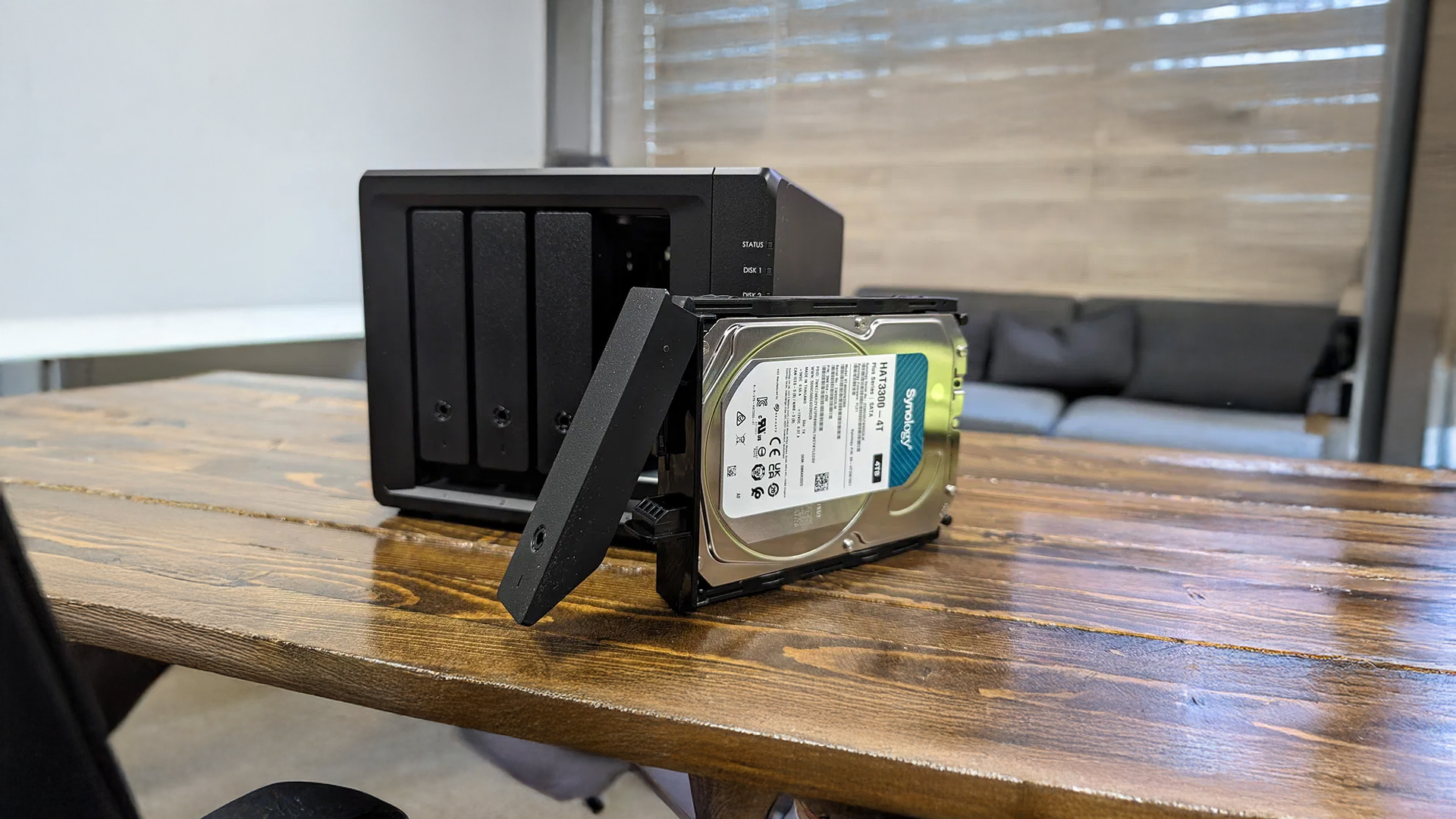
RAID Configuration Example
For a 4-bay NAS:
- Use four 8 TB drives in RAID 5 for a balance between storage and protection.
- Total usable capacity: around 24 TB (one drive reserved for redundancy).
External and Cloud Backup Strategies
Even a NAS isn’t invincible—fire, theft, or ransomware can wipe out your files. That’s why every professional should follow the 3-2-1 backup rule:
3 copies of your data,
2 different types of media,
1 stored off-site.
External Drives
High-speed SSDs like the Samsung T9 or SanDisk Extreme Pro are excellent for portable backups and quick file transfers. They’re compact, fast, and shock-resistant—perfect for travel photographers.
Cloud Backup
Services like Backblaze, Dropbox (Free Extra 500MB with this link), and Google Drive can automatically mirror your NAS or local drives. Backblaze, in particular, offers unlimited backup for a fixed yearly rate, making it ideal for large RAW or video collections.
Tip: Avoid using cloud storage as your only backup. Instead, treat it as your off-site copy in the 3-2-1 strategy.
Tips for Managing Large Media Libraries
- Organize by date and project: Use a folder system like
/2025/ClientName/ProjectName. - Add metadata immediately: Use Lightroom or Bridge to tag and rate images while you remember details.
- Automate syncing: Many NAS systems can automatically sync to external drives or cloud storage on a schedule.
- Monitor drive health: NAS dashboards can alert you before a drive fails—replace aging disks early.
- Test your backups: A backup isn’t real until you’ve confirmed you can restore from it.
My Recommended Storage Gear
If you’re looking to build or upgrade your setup, here are my top storage picks that balance speed, reliability, and cost. These are the same or similar products I use in my own workflow. (As an Amazon Associate, True North Photography earns from qualifying purchases.)
NAS Systems
- Synology DS923+ 4-Bay NAS – Perfect balance of power and simplicity for most photographers.
- QNAP TS-464 NAS – Great option for advanced users or small editing teams.
Hard Drives
- Seagate IronWolf 8TB NAS Drive – NAS-rated for 24/7 reliability.
- Western Digital Red Plus 8TB NAS Drive – Another excellent option for long-term reliability.
Portable SSDs
- Samsung T9 Portable SSD 2TB – Super-fast and durable for on-the-go transfers.
- SanDisk Extreme PRO SSD 2TB – Great travel drive for photographers who work in the field.
Backup and Cloud
- Dropbox – Very popular and fast. Earn a free 500 GB with this link
- Backblaze Cloud Backup – Affordable and automatic off-site protection for NAS or local drives.
- Amazon Basics Drive Case – Simple, protective storage for external drives.
Always double-check drive compatibility with your specific NAS model before purchasing.
Conclusion
Your creative work deserves more than a single hard drive sitting on your desk. Investing in the right photo and video storage setup—a reliable NAS, external backups, and a cloud mirror—ensures your files are safe, accessible, and organized for years to come. A system built on redundancy and automation gives peace of mind so you can focus on creating, not worrying about data loss.
To continue improving your photography workflow, explore our posts on Understanding Aperture and Depth of Field and Mastering the Exposure Triangle. For more technical insight, check out Synology’s official NAS buying guide.